Live TV and the guide
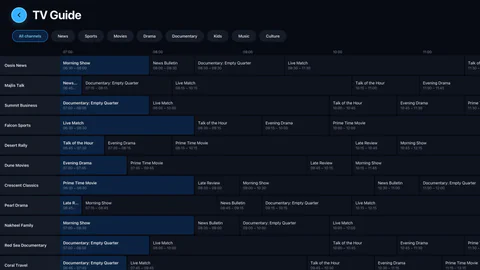
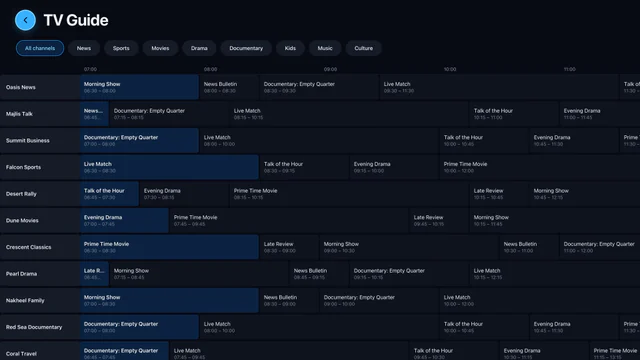
Now and next with a progress bar, a full scrolling guide, a week’s schedule for any channel, favourites and groups of your own, pause and back to live, and up to four channels at once in multi-view.
The best IPTV player
Aina is a fast, native player for the IPTV subscription you already have. Add your Xtream Codes login or M3U playlist once, and your channels, films and series are on your phone, your tablet and your television.

No account · No ads · Free 7-day trial
One screen? All of them
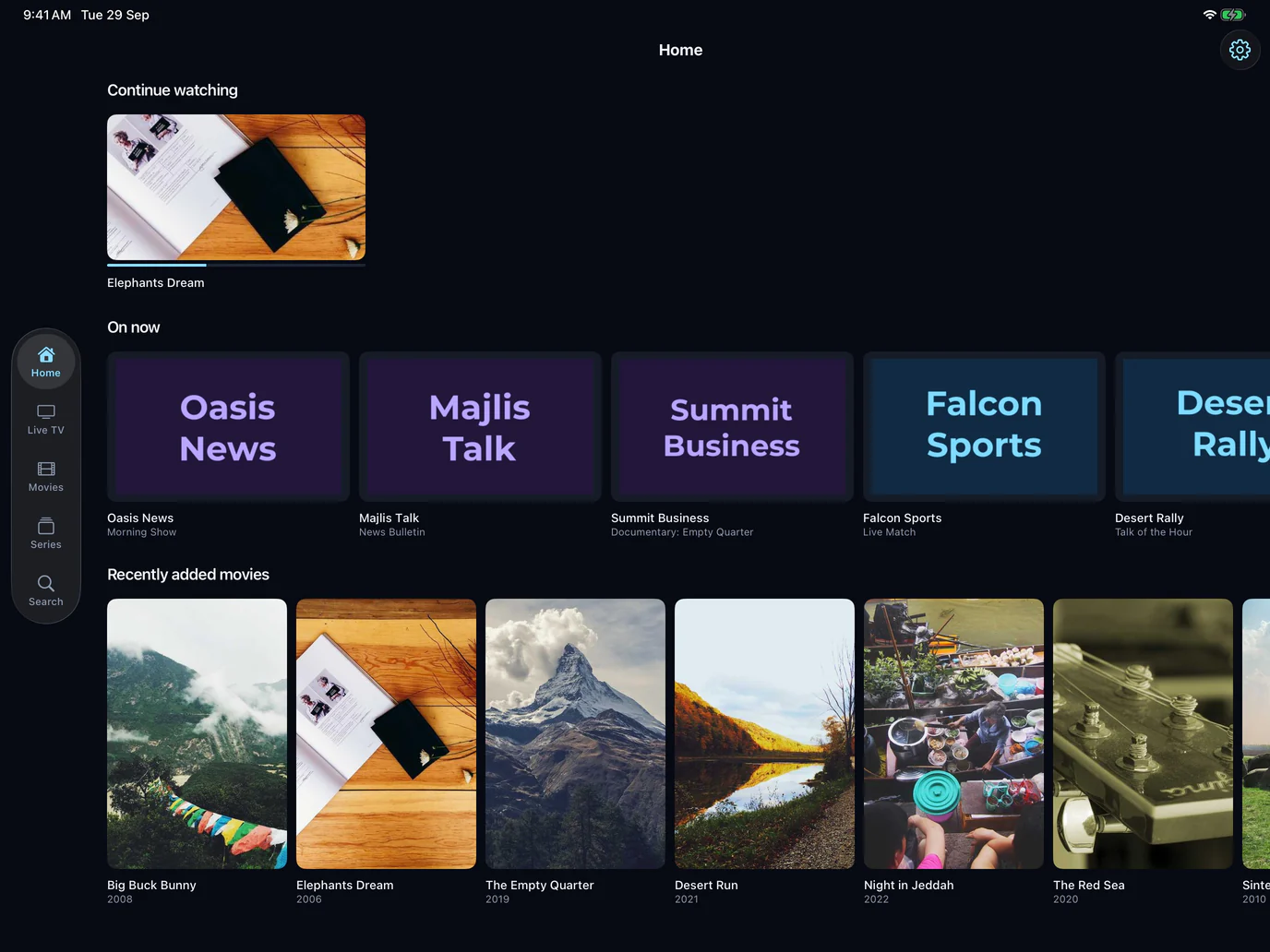
Phone
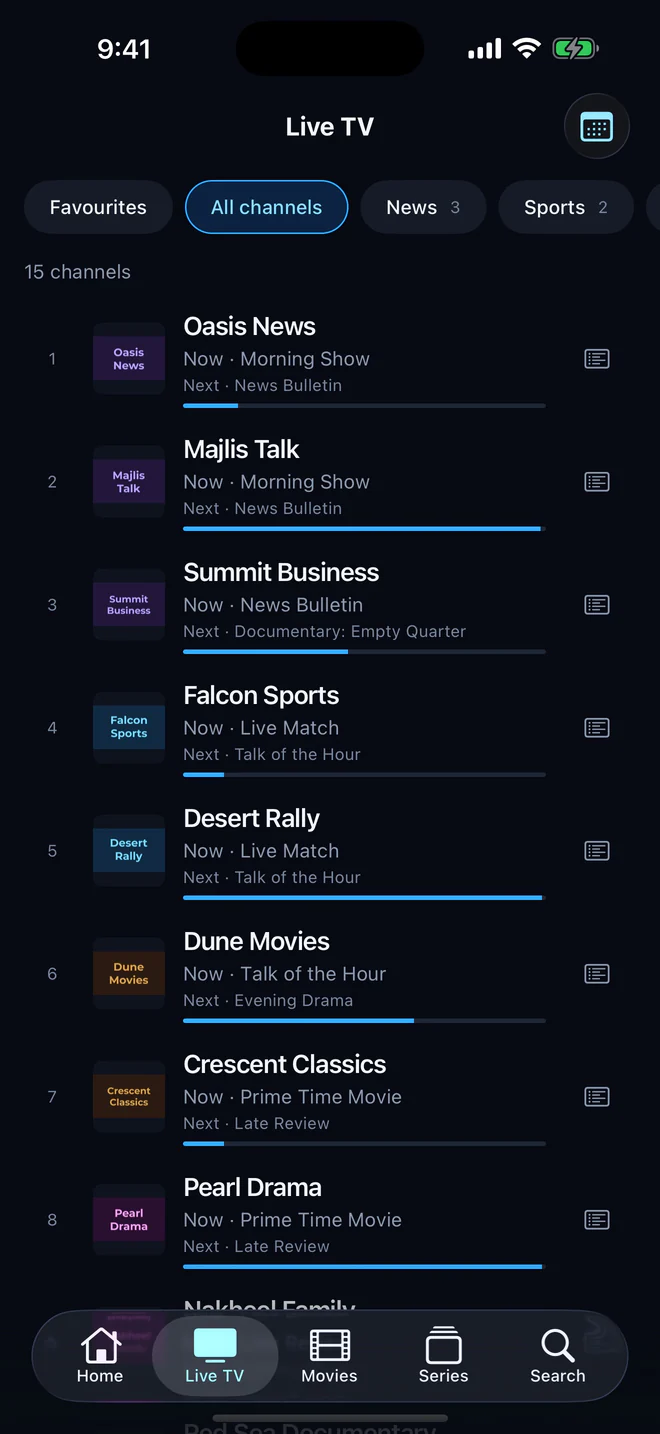
Every channel with its logo and number, now and next from your guide, and every film right where you left it.
Made to be watched
Now and next with a progress bar, a full scrolling guide, a week’s schedule for any channel, favourites and groups of your own, pause and back to live, and up to four channels at once in multi-view.
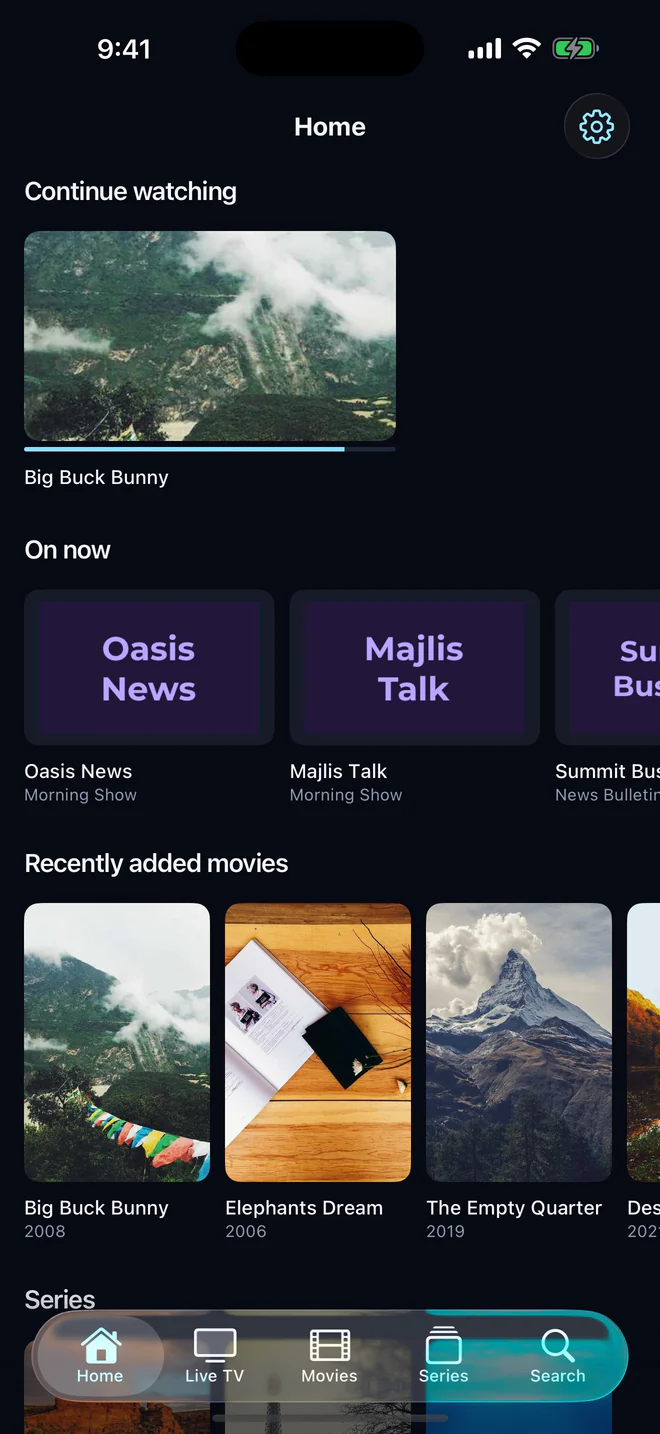
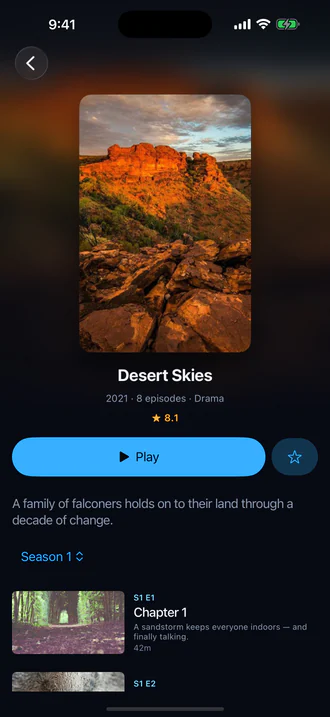
Posters, plot, cast and rating where your provider gives them; seasons and episodes, with the next one starting on its own.
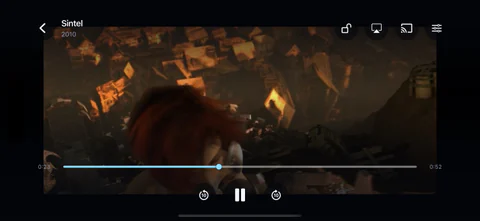
Drag the timeline, double-tap to skip, pick the audio and the subtitles, Picture in Picture, and catch-up where your provider keeps an archive.
Add as many Xtream Codes logins, M3U playlists and MAC portals as you like, and move between them in a tap. There is no limit on how many, and each can have a profile for everyone watching.
No account and no ads. Your password is encrypted on your device, and kept encrypted by our service so your favourites and where you stopped follow the subscription to your other devices. Any category can be locked behind a PIN.
Tested with a 300,000-entry playlist: it loads in batches and shows as it goes, then stays on the device, so it opens instantly next time.
0
entries in one playlist
Every screen
One app, built natively for each: the system’s own controls on phones and tablets, and a layout made for the remote on televisions.
Three steps
On your phone, your tablet or your TV.
An Xtream Codes login, an M3U playlist URL with an XMLTV guide if you have one, or a MAC portal.
Your channels, films and series, ready and opening instantly.
Pricing
Browsing is always free: signing in, the library, search and the guide. Playing needs the trial or the full version.
Free
Every feature open, no commitment.
$3.99a month
Renews every month; cancel any time in your store settings.
$19.99a year
Over 58% less than monthly. Renews every year; cancel any time.
$49.99once
Pay once. It’s yours.
Prices in US dollars; your store shows them in your own currency, with local taxes. Purchases belong to your Apple or Google account, and restore on any device signed in to it.
FAQ
No. Aina is only a player: it does not sell, supply or include any subscription or content. You need a subscription from an IPTV provider of your choosing.
An active subscription from an IPTV provider, as an Xtream Codes login, an M3U playlist URL (plus an XMLTV guide if your provider has one) or a MAC portal address with the MAC address your provider registered.
iPhone and iPad, Android phones and tablets, Apple TV, and Android TV and Google TV, with Chromecast from the phones and tablets. Get it on the App Store for iPhone, iPad and Apple TV, and on Google Play for Android phones, tablets and televisions.
Not yet. Fire TV sells apps through Amazon’s own store, which Aina is not in. It runs on Android TV and Google TV, Chromecast with Google TV included.
Yes. Aina plays every stream with libVLC, on iPhone, iPad, Apple TV and Android alike: HLS, MPEG-TS, MP4, MKV and AVI.
On iPhone, iPad and Android phones and tablets, films and episodes can be downloaded and watched offline, where your provider allows it. Your library can be browsed offline everywhere.
On your device it is encrypted, with a key held in its keychain. So that a subscription’s favourites, resume points and arrangement follow it to your other devices, our service keeps its password too, encrypted with a key only the service holds, and gives that data only to a device signed in with the same password. The support team can read it to help you, and each time is recorded. The app needs no account. The privacy policy has the details.
Yes. Choose MAC portal when you add a subscription and enter the portal address and the MAC address your provider registered. Live TV, films, series, the portal’s guide and catch-up all come in, and films and episodes can be downloaded on phones and tablets.
Yes: seven days free, every feature open. And on Android and Android TV, “Try it without a subscription” shows you the app at work with a free, public channel.
In your subscriptions in the App Store or Google Play settings, any time. It stays on until the end of the month or year you paid for.
Guides
Plain answers to what people ask when they set up IPTV: playlists, logins, the guide, and getting it onto the television.
