
Downloads
Take your films and series with you
A flight, a long drive, a holiday with weak Wi-Fi: download what you want to watch before you go, and it plays from your phone or tablet with no connection at all, where your provider allows it.
Updated · By the Aina IPTV team
What you can download
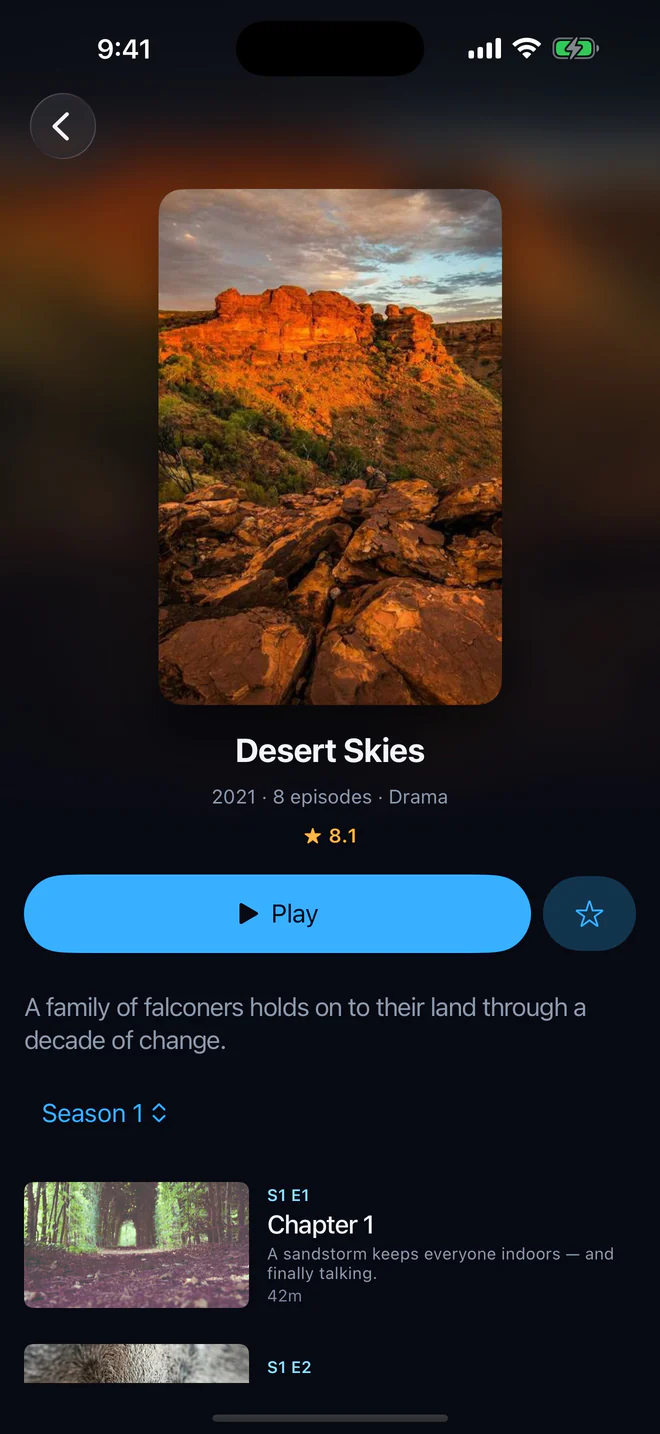
- A film: the download button sits beside Favourite on its page.
- An episode: each episode’s row has its own download button.
- A whole season, or every season: one tap on Download season, or the series’ download button for all of it. Episodes come one at a time, in order, so the first is ready to watch first.
Films and episodes your provider sends as files download; a few providers send theirs in pieces (HLS), which are no file to keep, and those show no download button. Live channels are not downloaded.
While it downloads
- Every film and episode says where it stands: waiting, downloading with how far it has got, paused, or done.
- Pause and resume any download, or all of them at once from Downloads.
- On a line that allows only one connection at a time, a download waits while you watch something and carries on when you stop, so the two never fight over the connection.
- On iPhone and iPad, the film or episode under way goes on downloading with the app closed (the next in the queue starts when you open Aina again), and the queue shows on the Lock Screen and in the Dynamic Island as a Live Activity, with a button to pause it.
When it is done
- Downloads lists series first, each with how much of it is down, then films. A finished one plays with a tap, from the file.
- On iPhone and iPad, save a finished film to Files or Photos, or AirDrop it; on Android, save it to a folder of your choice. It goes under the name you would look for, such as “Desert Skies S01E02.mp4”.
- Downloads stay out of iCloud and computer backups, so a film never fills anyone’s cloud storage.
- Downloads shows how much room they take and how much your device has free. Delete one, a season or everything when you are back.
No connection, no problem
When you are offline, a small amber pill at the top of the screen leads to your downloads, and Home puts them first. The rest of your library can still be browsed, since it lives on the device; only live channels need the internet.
Questions and answers
No. Live channels play only while they are on air; films and episodes of series can be downloaded. Catch-up replays programmes your provider has archived.
The provider sends that film in pieces (HLS) rather than as one file, and pieces are no file to keep. Films sent as one file, as most are, can be downloaded.
A download uses one connection while it runs. On a line that allows a single connection, Aina pauses the download while you watch and carries on afterwards.