
Multi-view
Watch up to four channels at once
Two matches kicking off together, the news while the game is on, a channel for each child: multi-view puts two, three or four of your line’s live channels on one screen, each playing on its own, with the sound on whichever you choose.
Updated · By the Aina IPTV team
How it works
- Two, three or four pictures fill the screen between them. Two are halves; three are one large picture and two small ones beside it; four are two by two. Held upright on a phone, they stack.
- Each picture is a player of its own, so every channel plays, pauses and reconnects by itself without disturbing the others.
- One is heard at a time, outlined in blue. Tap another picture, or press OK on it with the remote, and the sound moves there.
- Each picture has its menu: change its channel, open it full screen, or take it off the screen.
- A picture that drops is opened again by itself, up to three times, before it says the channel would not play.
Where to find it
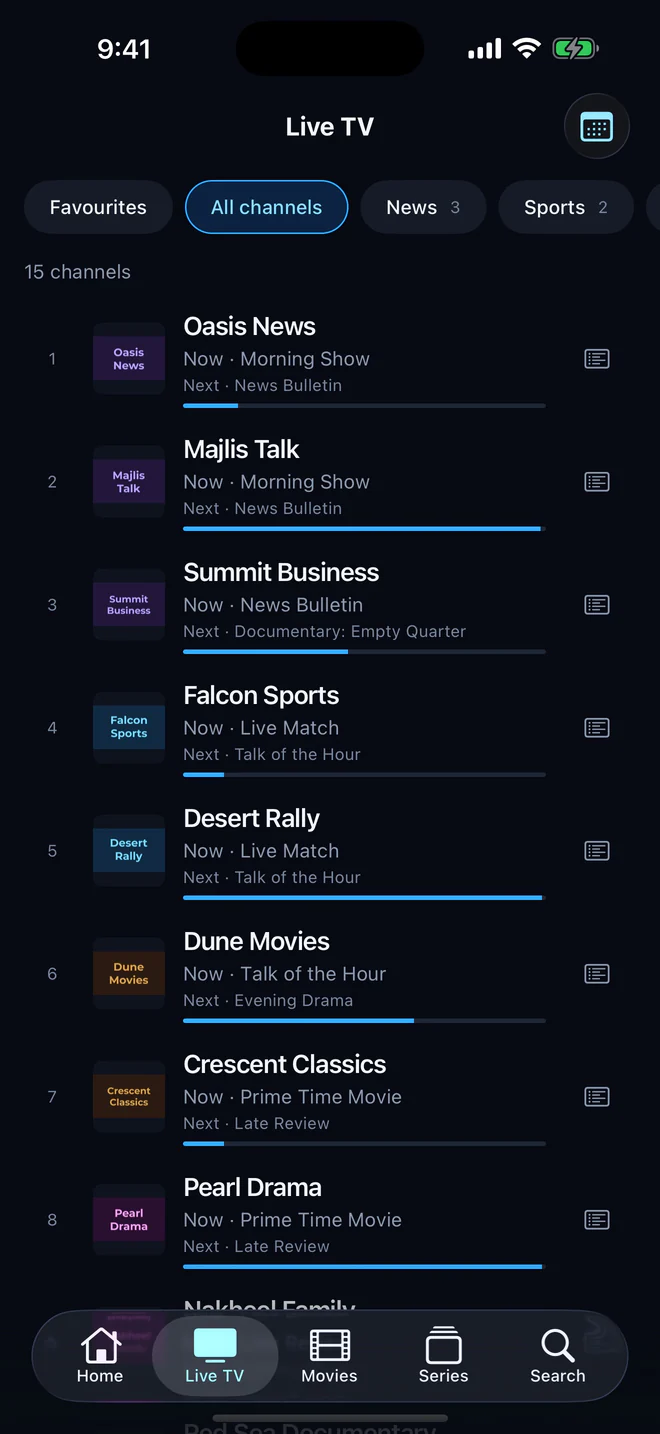
- In the player, on any live channel: the multi-view button in the top bar, beside the channel list. The channel you were watching takes the first picture.
- On Live TV on a phone or a tablet, from the button in the bar.
- From Sports: choose two matches on now, and they open side by side.
On every screen
Multi-view works on iPhone, iPad, Android phones and tablets, Apple TV, and Android TV and Google TV. On a television the remote moves between the pictures, OK gives one the sound, and holding OK opens its menu.
Your line decides how many
Every picture is one connection to your provider, so Aina never offers more pictures than your subscription allows at once. A line of two connections shows two channels; a line of four, up to four. A line of a single connection plays one channel at a time, and multi-view says so rather than failing.
Two matches at once
Sports lists the matches on now and in the next day on your line’s sports channels, read from the guide. Choose Watch two matches, pick two that are on now, and they open in multi-view. A match still to come takes a reminder instead, five minutes before it starts. More about the guide.
Like the player, multi-view needs the free trial or the full version. Browsing, the guide and Sports are free. See the plans.
Questions and answers
Up to four, never more than your subscription’s connections allow, since each picture is one connection to your provider.
No: one picture is heard at a time, so the sound never mixes. Tap another picture to move the sound to it.
Yes. The remote moves between the pictures, OK gives one the sound, and holding OK opens its menu.